Turn on suggestions
Auto-suggest helps you quickly narrow down your search results by suggesting possible matches as you type.
Showing results for
- Hyland Connect
- Platform
- Alfresco
- Alfresco Archive
- Re: How to add classes to the engine classpath
Options
- Subscribe to RSS Feed
- Mark Topic as New
- Mark Topic as Read
- Float this Topic for Current User
- Bookmark
- Subscribe
- Mute
- Printer Friendly Page
How to add classes to the engine classpath


Options
- Mark as New
- Bookmark
- Subscribe
- Mute
- Subscribe to RSS Feed
- Permalink
- Report Inappropriate Content
02-20-2012 06:25 PM
I am using the ant demo.start (in C:\BPM_BatchSoftware\activiti-5.8\setup) to launch the activiti engine.
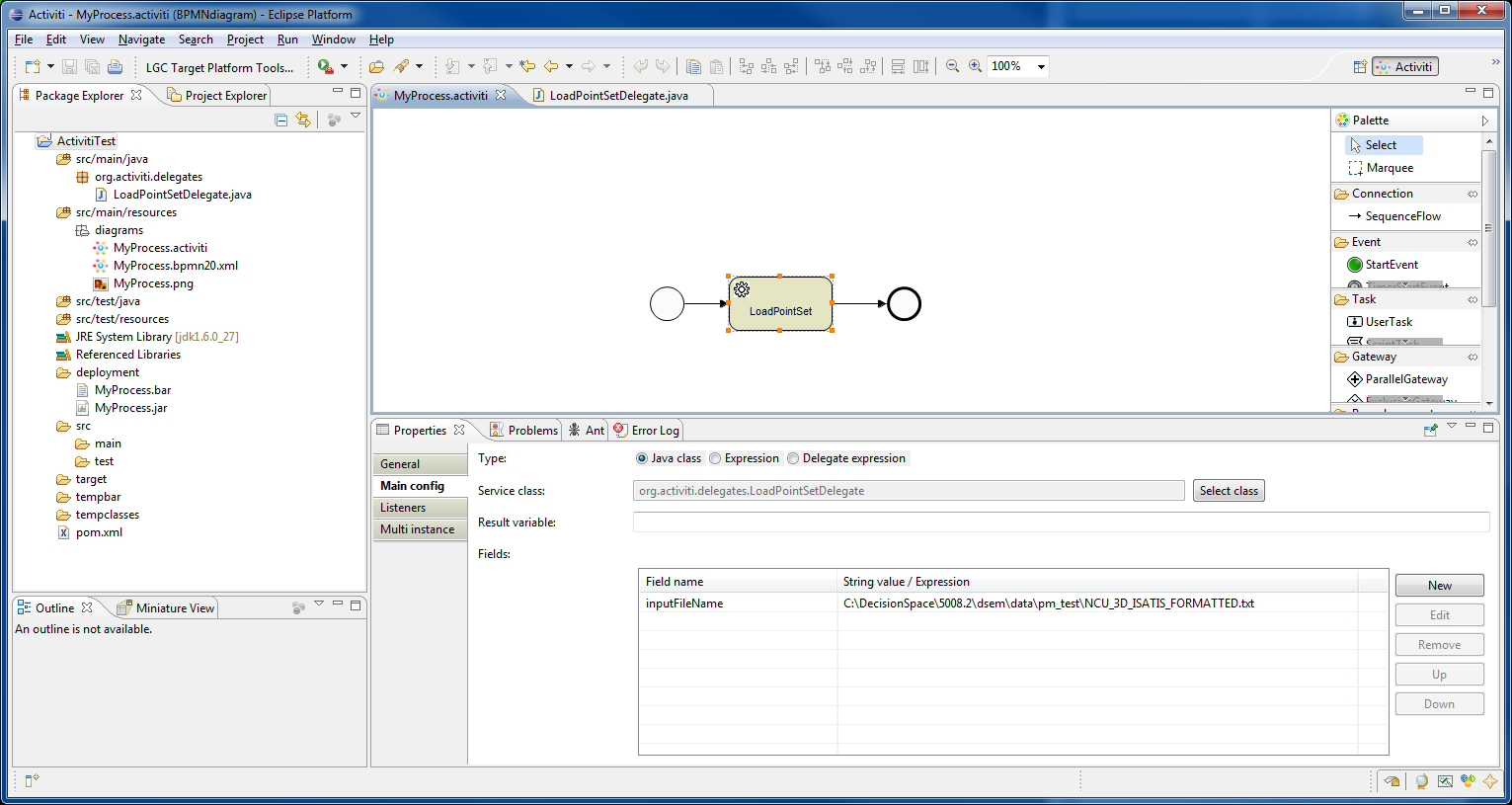
I created an eclipse Activiti project in the workspace at the location: C:\Workspace\activitiProj\ActivitiTest
In my project I created an Activiti diagram (bpmn file auto generated)
I created a deployment bar using Create Deployment Artifacts in eclipse.
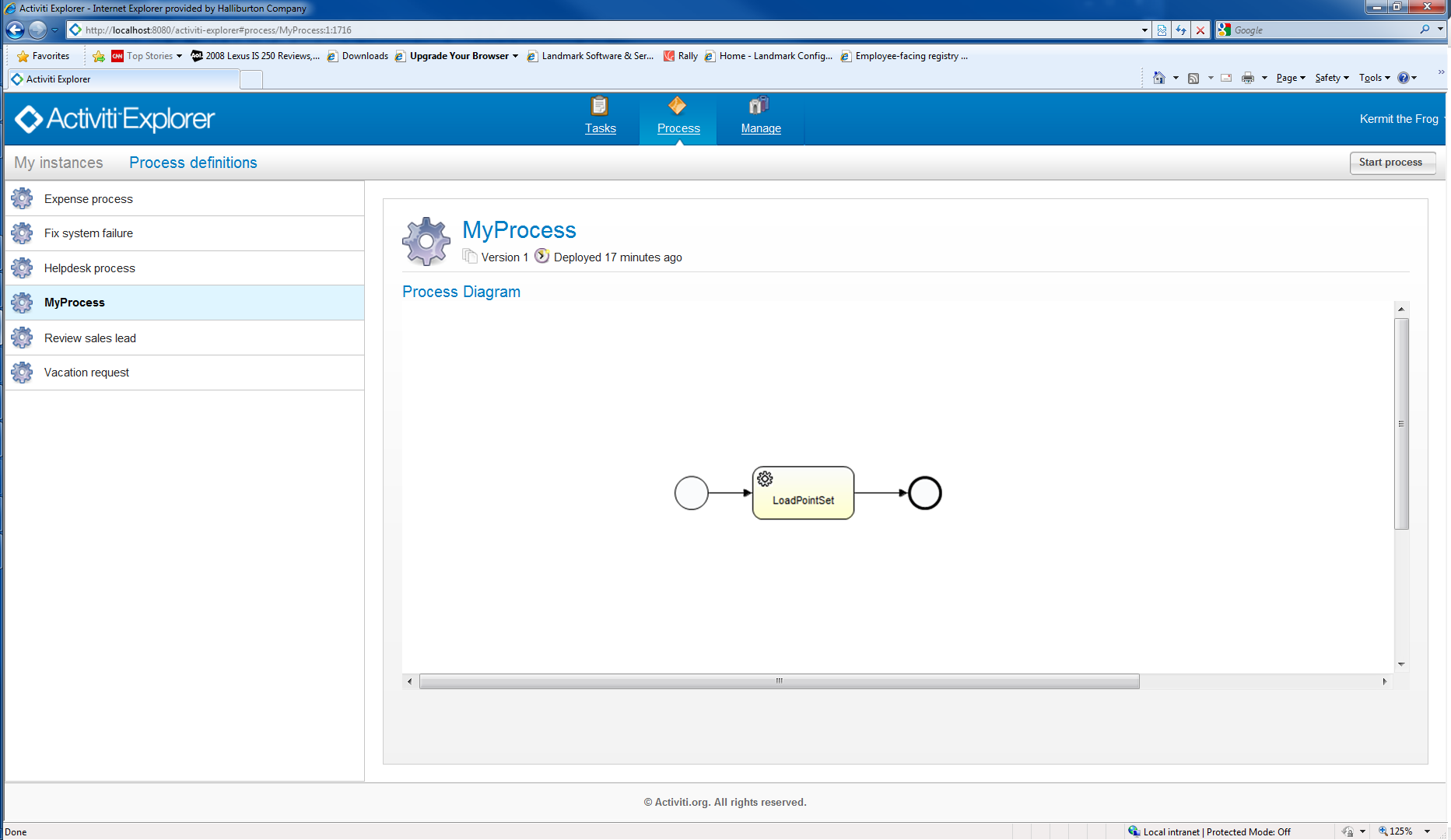
Then in the Activiti explorer, I uploaded this bar file successfully.
However when I try to start the process in the explorer I get the exception:
Cause: org.activiti.engine.ActivitiException: couldn't instantiate class org.activiti.delegates.LoadPointSetDelegate
See log attached.
I have the tomcat server running through ant demo.start
The documentation says: "Note that Java classes present in the business archive will not be added to the classpath. All custom classes used in process definitions in the business archive (for example Java service tasks or event listener implementations) should be present on the activiti-engine's classpath in order to run the processes."
How do I add my custom class and other dependencies to the activiti-engine's classpath when running the ant demo.start??
I also tried making a jar file out of everything in my project and putting it in:
C:\BPM_BatchSoftware\activiti-5.8\apps\apache-tomcat-6.0.32\webapps\activiti-rest\WEB-INF\lib
That didnt work either. The jar file does contain the class.
Thanks.
I created an eclipse Activiti project in the workspace at the location: C:\Workspace\activitiProj\ActivitiTest
In my project I created an Activiti diagram (bpmn file auto generated)
I created a deployment bar using Create Deployment Artifacts in eclipse.
Then in the Activiti explorer, I uploaded this bar file successfully.
However when I try to start the process in the explorer I get the exception:
Cause: org.activiti.engine.ActivitiException: couldn't instantiate class org.activiti.delegates.LoadPointSetDelegate
See log attached.
I have the tomcat server running through ant demo.start
The documentation says: "Note that Java classes present in the business archive will not be added to the classpath. All custom classes used in process definitions in the business archive (for example Java service tasks or event listener implementations) should be present on the activiti-engine's classpath in order to run the processes."
How do I add my custom class and other dependencies to the activiti-engine's classpath when running the ant demo.start??
I also tried making a jar file out of everything in my project and putting it in:
C:\BPM_BatchSoftware\activiti-5.8\apps\apache-tomcat-6.0.32\webapps\activiti-rest\WEB-INF\lib
That didnt work either. The jar file does contain the class.
Thanks.
Labels:
- Labels:
-
Archive
3 REPLIES 3

Options
- Mark as New
- Bookmark
- Subscribe
- Mute
- Subscribe to RSS Feed
- Permalink
- Report Inappropriate Content
02-20-2012 07:27 PM
Are you using the latest version of the Eclipse Designer? There was a bug with respect to jar file creation.
http://forums.activiti.org/en/viewtopic.php?f=8&t=3396&hilit=bug+in+designer+jar+file
http://forums.activiti.org/en/viewtopic.php?f=8&t=3396&hilit=bug+in+designer+jar+file
Options
- Mark as New
- Bookmark
- Subscribe
- Mute
- Subscribe to RSS Feed
- Permalink
- Report Inappropriate Content
02-21-2012 02:52 AM
Hi,
I am not really sure about that but I think I had the same problem. I could resolve it by copying the java.jar file not in the Rest folder.
C:\BPM_BatchSoftware\activiti-5.8\apps\apache-tomcat-6.0.32\webapps\activiti-rest\WEB-INF\lib
I think you have to copy it into the explorer folder.
C:\BPM_BatchSoftware\activiti-5.8\apps\apache-tomcat-6.0.32\webapps\activiti-explorer\WEB-INF\lib
Then it should work because the activiti explorer has its own engine as it is said here:
http://forums.activiti.org/en/viewtopic.php?f=6&t=3315&hilit
I am not really sure about that but I think I had the same problem. I could resolve it by copying the java.jar file not in the Rest folder.
C:\BPM_BatchSoftware\activiti-5.8\apps\apache-tomcat-6.0.32\webapps\activiti-rest\WEB-INF\lib
I think you have to copy it into the explorer folder.
C:\BPM_BatchSoftware\activiti-5.8\apps\apache-tomcat-6.0.32\webapps\activiti-explorer\WEB-INF\lib
Then it should work because the activiti explorer has its own engine as it is said here:
http://forums.activiti.org/en/viewtopic.php?f=6&t=3315&hilit
Options
- Mark as New
- Bookmark
- Subscribe
- Mute
- Subscribe to RSS Feed
- Permalink
- Report Inappropriate Content
02-21-2012 04:09 PM
Hi,
I am not really sure about that but I think I had the same problem. I could resolve it by copying the java.jar file not in the Rest folder.
C:\BPM_BatchSoftware\activiti-5.8\apps\apache-tomcat-6.0.32\webapps\activiti-rest\WEB-INF\lib
I think you have to copy it into the explorer folder.
C:\BPM_BatchSoftware\activiti-5.8\apps\apache-tomcat-6.0.32\webapps\activiti-explorer\WEB-INF\lib
Then it should work because the activiti explorer has its own engine as it is said here:
http://forums.activiti.org/en/viewtopic.php?f=6&t=3315&hilit
Thanks so much. that worked. It does need to be in the lib of the activiti explorer webapp as you have mentioned. By mistake I had two versions of apache installed and i kept putting it in the wrong apache all this time thats why it didnt work. Its working now.

Getting started
Tags
Find what you came for
We want to make your experience in Hyland Connect as valuable as possible, so we put together some helpful links.
